The network on a map
Every salon is a pin sized by sales and marked up or down against last year. Last week, the month against plan and the year to date sit at the top.
Can your team see every location, and what to do next, in one place?
A command portal is one site, in your brand, that shows the whole business from the network down to a single location's last week. It refreshes itself every night from the systems you already use, and the record underneath belongs to you.
I built the first one, Command Salon, for my family's Supercuts salons. I'd like to help you build yours.
For franchisees and multi-location operators run by a small, owner-led team.
Sales lived in the point of sale. Advertising had its own dashboard, the franchisor its own portal, and payroll and emailed reports their own corners. Every Monday someone logged in to each, copied numbers into a spreadsheet and sent it around. The spreadsheet answered the questions we had thought to ask. It couldn't put the markets on a map or show which salon had been slipping for three weeks.
As owners and the people running operations, we needed the data organized and ready to act on. So we built a place for it.
Every salon is a pin sized by sales and marked up or down against last year. Last week, the month against plan and the year to date sit at the top.
A market's salons share one map and one ranking, so an area manager sees their territory the way the owners see the network.
Scorecard against the network, sales by week, month or quarter, guests, discounts, marketing results and the tasks that belong to that salon.
Rules we set flag a salon three weeks down, behind plan or out of text-message credits. The flag links to the salon and its open tasks.
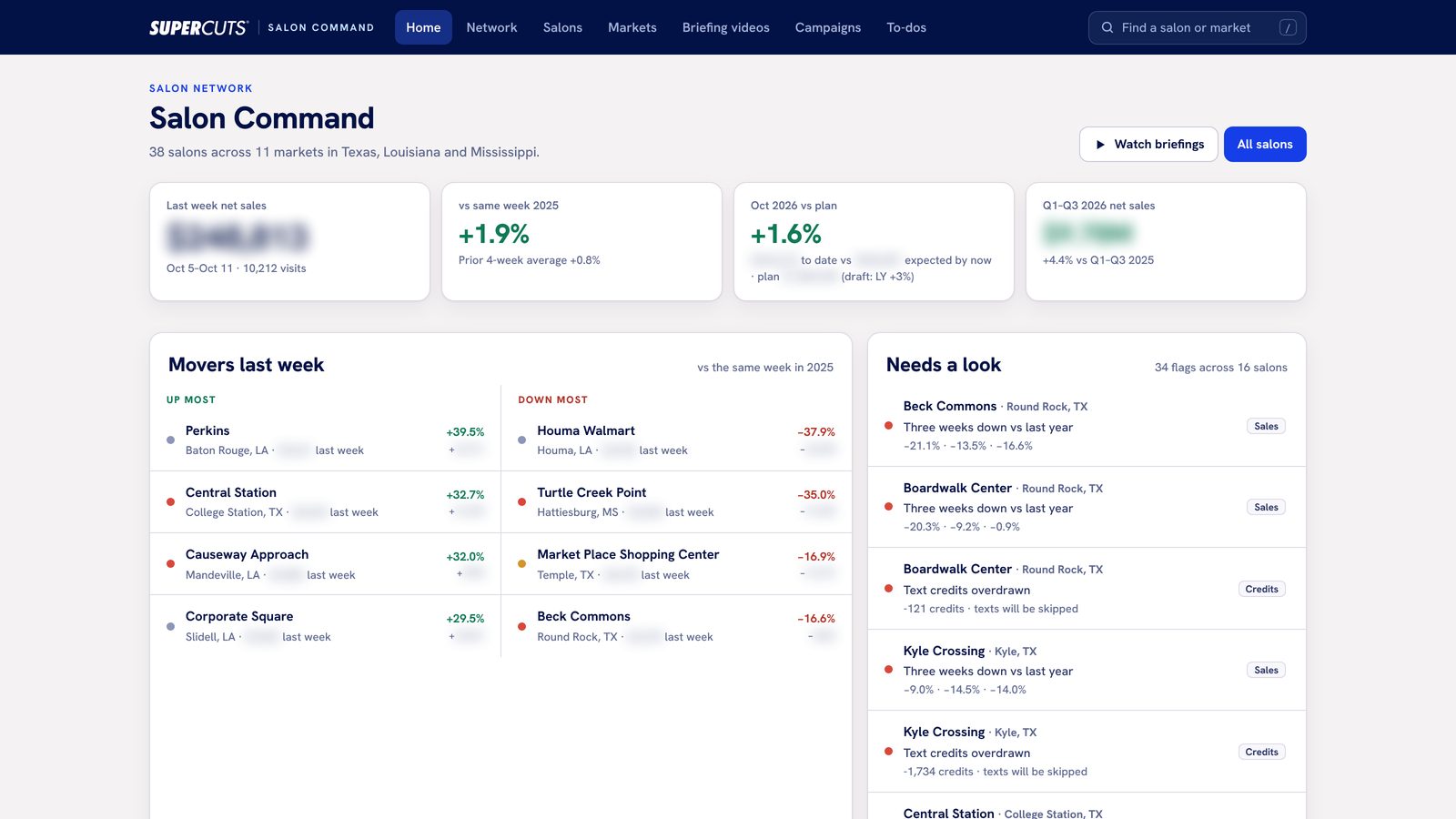
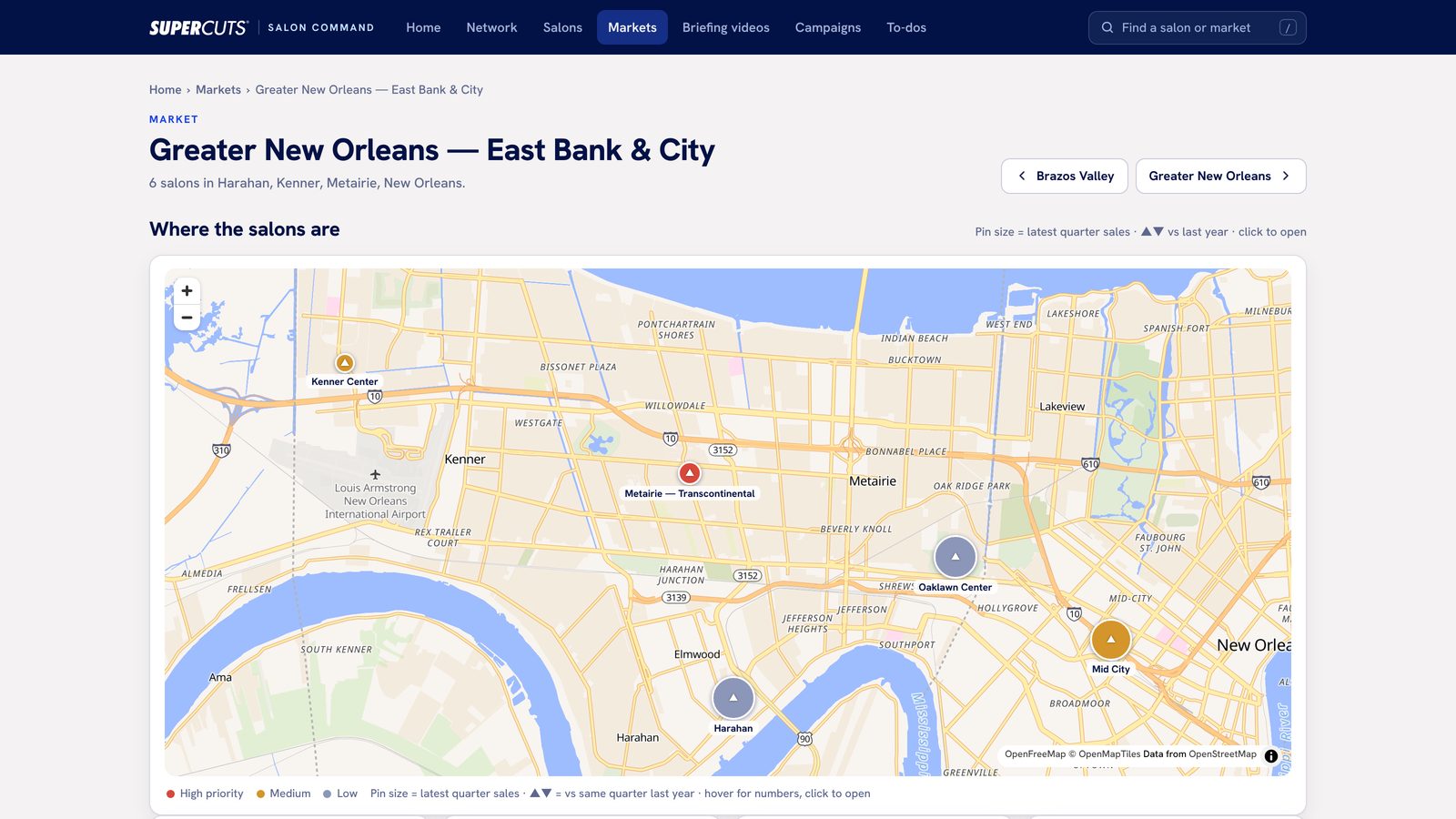
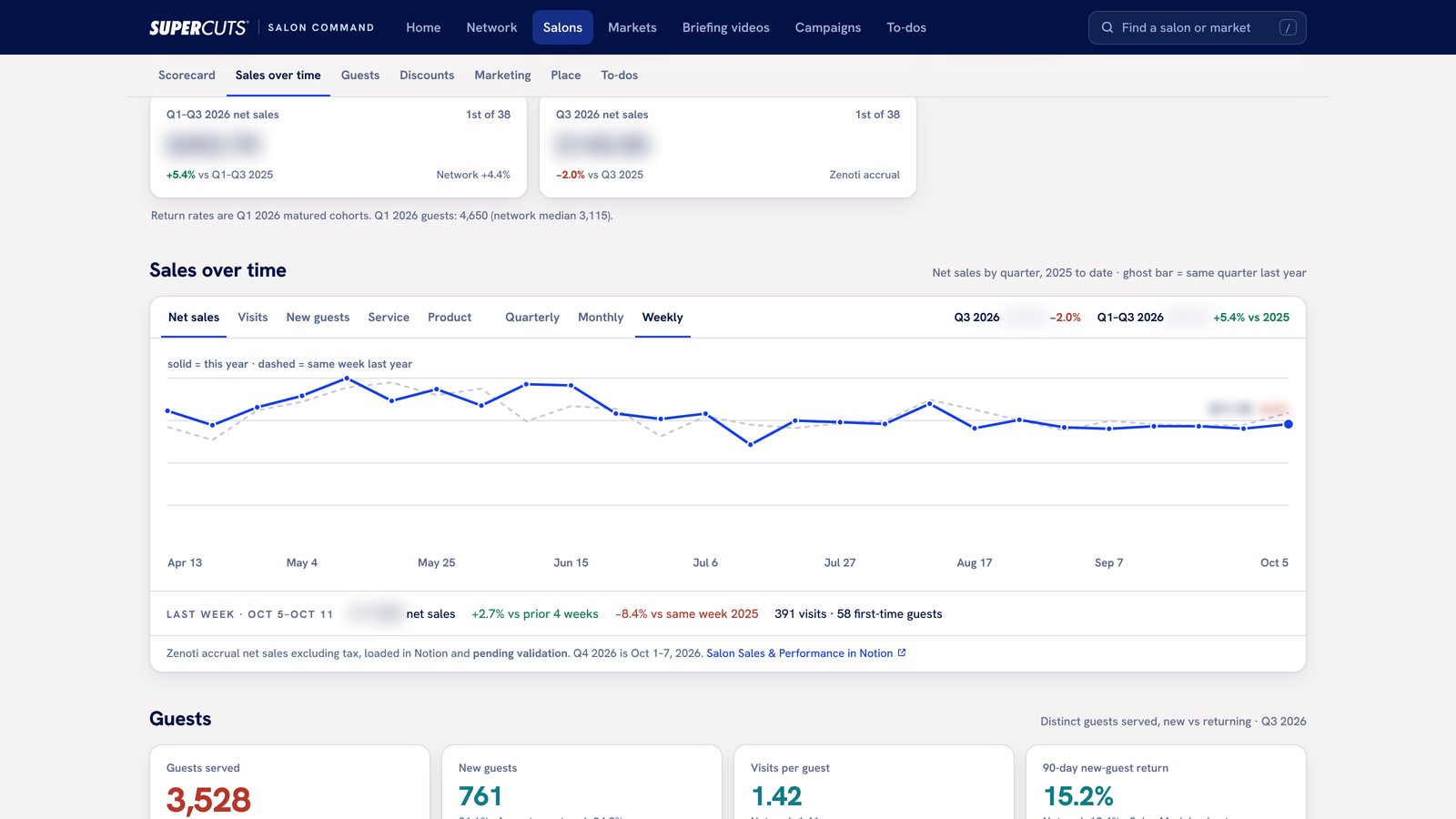
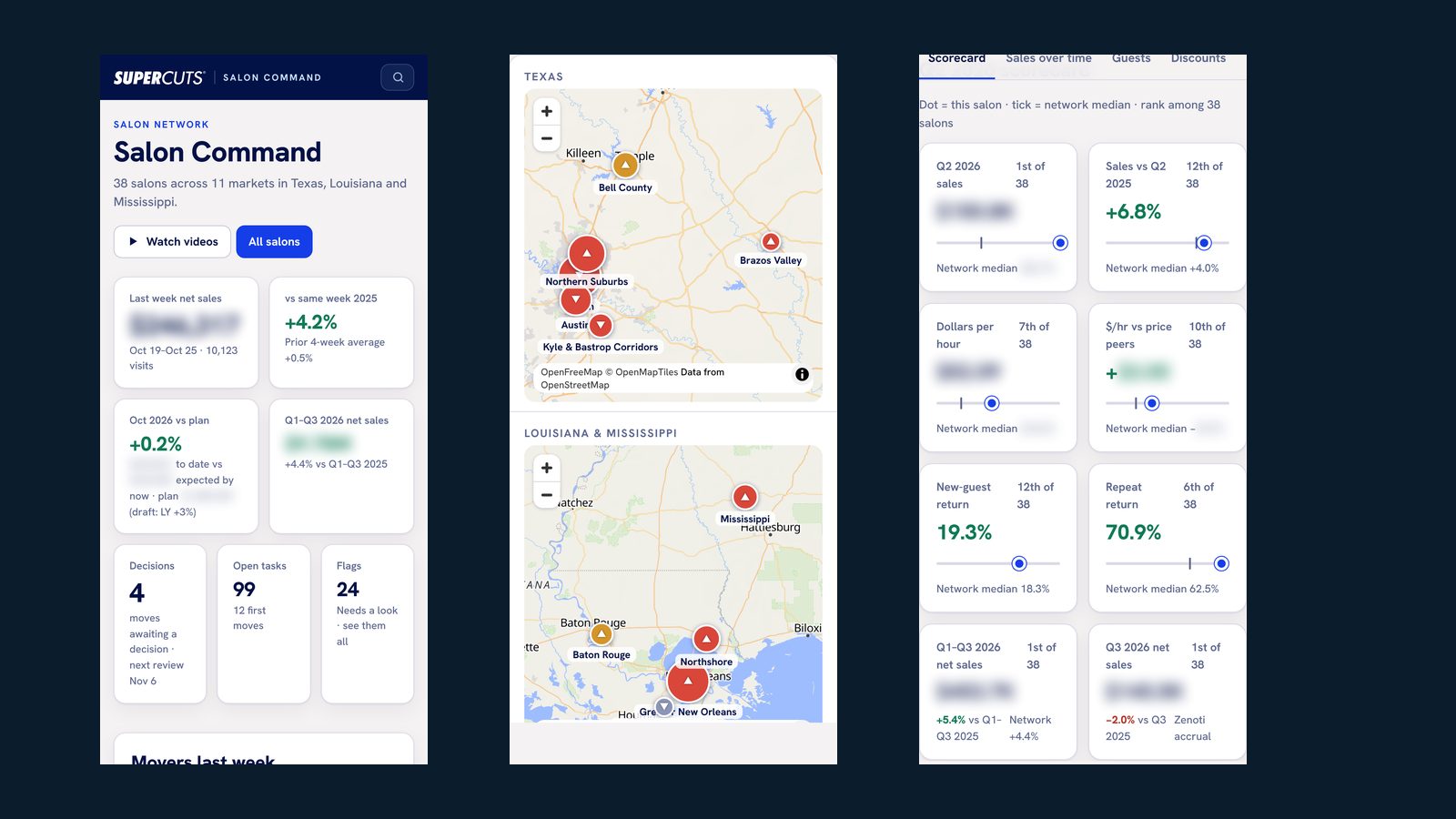
Screens from Command Salon at Sager Supercuts, October 2026. Revenue figures are blurred. The site appears under its working title, Salon Command.
Data comes from the systems you already use: by API where one exists, through your own login where it doesn't, and from the reports those systems already email you.
Locations, weeks, sales, visits, campaigns, tasks and decisions are sorted into databases that belong to the business. Your history stays retrievable when software changes.
The portal is built around how you look at the business, in your brand, on a desktop or a phone. Owners, area managers and location leaders each see what they need.
AI helps summarize the week and draft the follow-up. The figures on the page come straight from the databases, so the numbers can be checked back to their source.
| Aim | In practice |
|---|---|
| Speed | Yesterday's results are on the page before the first person arrives, with no weekly assembly. |
| Clarity | Each number sits next to last year, the plan or the rest of the network, so its meaning is visible. |
| Connection | Owners and managers look at the same figures, and a task stays attached to the location it concerns. |
A 90-minute working session, then a written read within two business days. We look at your locations, your systems and the decisions you make each week, and decide whether a portal is the right move. Yours to keep either way.
What's included →If it is, I quote a fixed scope, price and timetable. A first portal usually takes about three months of design and build with you: connecting the systems, setting up the databases, and shaping the pages and flags around how you run the business.
Once it runs, a separately agreed monthly arrangement can cover the nightly refresh, hosting, changes to targets and flags, and new views as the business asks for them.
What's covered →Your accounts, data and databases stay under your control. If we stop working together, the record and a full export stay with you.
If only one of these is true, the Read will say so. A smaller change may be the better place to start.
Tell me how many locations you run, in how many markets, and where the numbers live today. I'll tell you whether the Read makes sense.
Show me your businessI'll respond personally, usually within two business days. Sending details doesn't book or buy anything.